
Introduction
TaTi is an open source platform built for delivery, SRE, and ops teams that want an AI copilot wired to their real toolchain — not just generic text.
The problem
Without context, a generic assistant cannot:
- read your state in Slack or Discord;
- run controlled SQL on PostgreSQL;
- read your OpenMetadata catalog or Grafana dashboards;
- open a merge request on GitHub / GitLab.
TaTi is an orchestration layer: a single UI where you configure MCP servers (Model Context Protocol). Each bridge exposes tools the model can call, with URLs and secrets you control.
Main components
| Item | Role |
|---|---|
| Web app | Chat, user settings, MCP list, optional local auth. |
| PostgreSQL | App persistence (sessions, MCP server config in the product). |
| MCP services | One process (or container) per tool family: see MCP connectors. |
It is not a closed “app store”: everything in the repo’s docker-compose.yml can be enabled or not depending on your .env and token availability.
UI overview
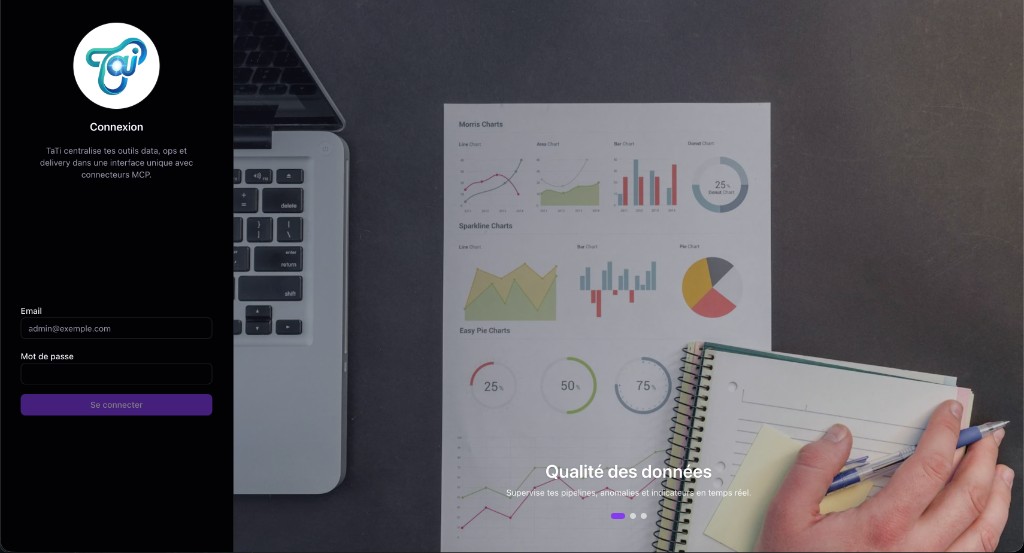
Sign-in screen
When local authentication is enabled (TATI_AUTH_REQUIRED), the first page shows the Sign in form (email, password), the TaTi logo, and a side area for product visuals or messaging.
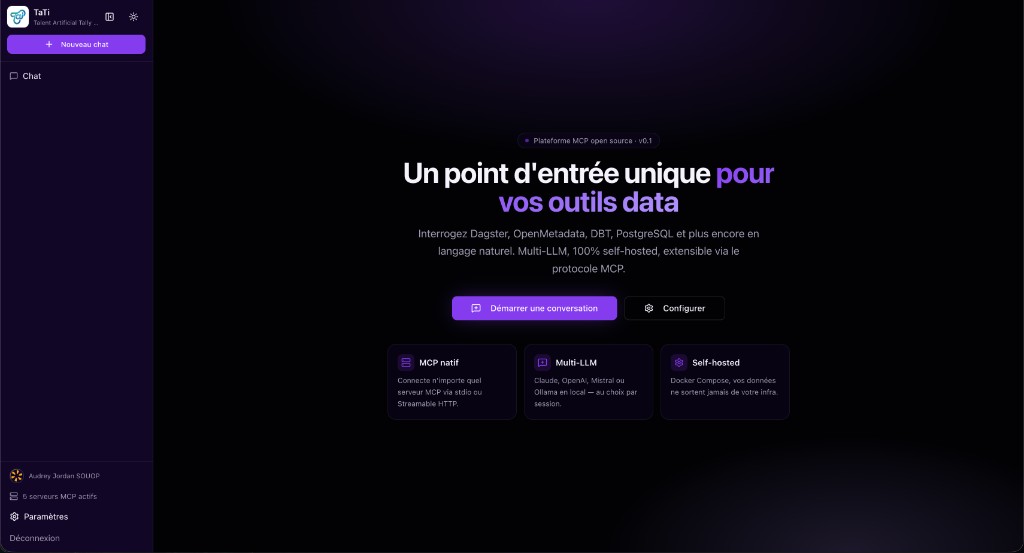
Home after sign-in
After login, home includes the chat thread, the sidebar (new chat, thread list, profile, active MCP servers, settings), and a central product area (version, quick access to a conversation and settings).
Settings — AI providers
Settings lets you configure model providers (Claude, OpenAI, Mistral, Ollama, etc.): API keys, default model, temperature, max tool iterations, and the default provider (“Default” badge). Other tabs cover MCP servers, account, users, and an embedded quick start.
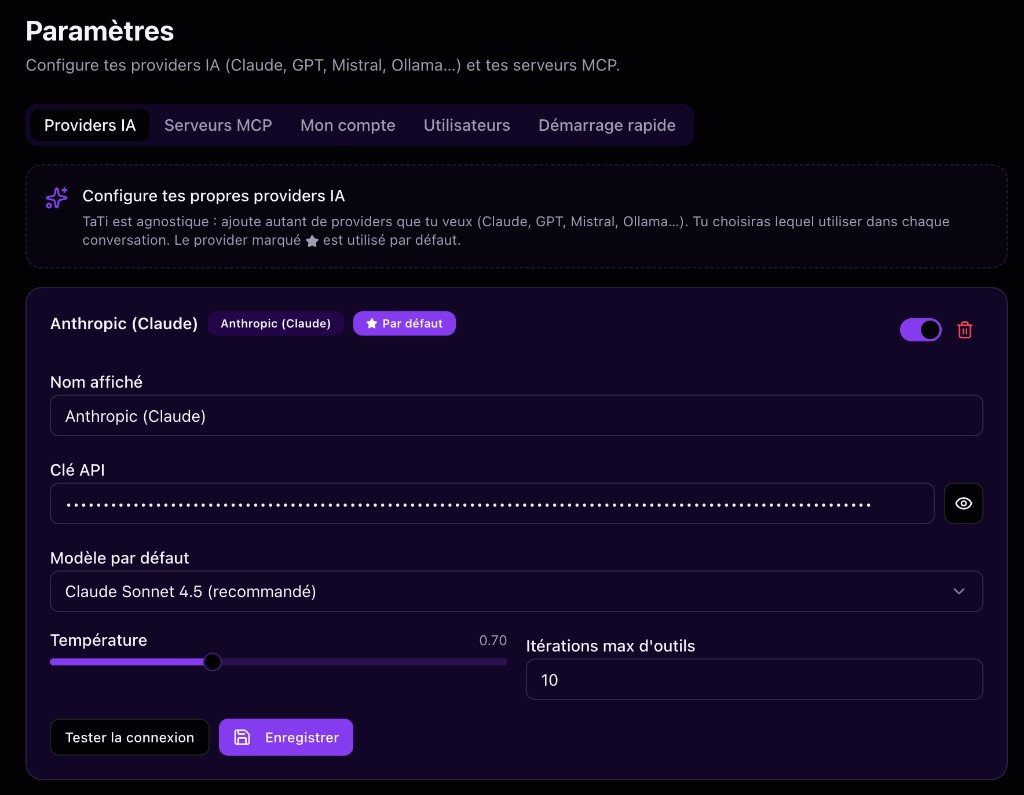
Images are indicative; theme, labels, and tab layout may change with versions.
New MCP server — presets
When you add a server from Settings → MCP servers, New MCP server shows a grid of presets: ready-made integrations (databases, clouds, messaging, observability, etc.). Fine-tuning (URL, secrets, Compose ports) is in the MCP connectors reference.
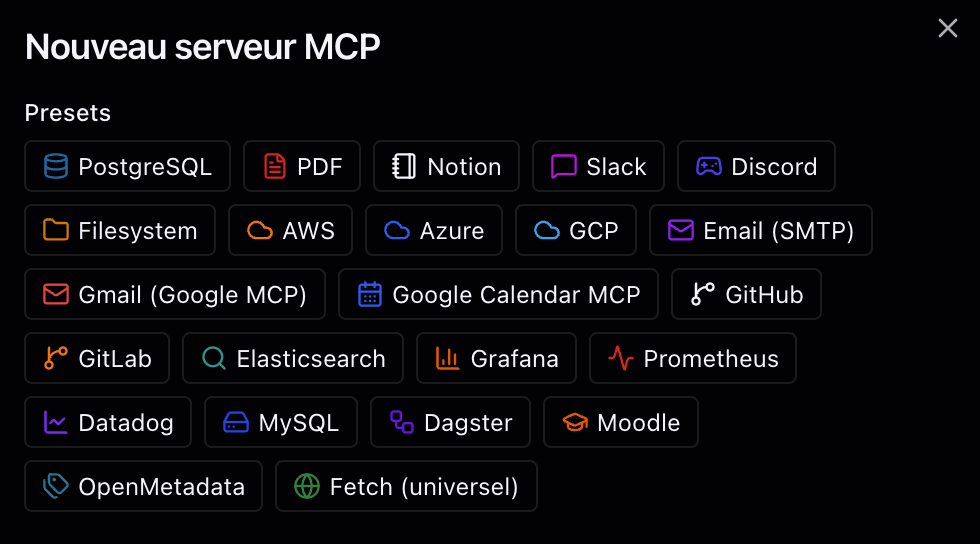
Image indicative; the preset list may evolve with versions.
Suggested reading order
- Quick start — run Postgres + app + a few MCPs locally.
- Architecture — understand flows (browser → app → MCP).
- Configuration — stabilize
.env(no duplicate keys, secrets out of Git). - MCP reference — configure each connector (ports,
/mcpURL, OAuth headers).
Glossary
- MCP: open protocol to expose tools / resources to an AI client; TaTi acts as a client (via its backend) to your bridges.
- Streamable HTTP: HTTP transport used by repo bridges for
/mcp. DATABASE_URL: Postgres connection for the TaTi app; distinct from the Postgres MCP connection used for conversational SQL.
Next: Quick start for concrete commands.